Stop SSH-ing into servers
like it's 2009.
HeadlessOS is a desktop for your Linux servers. Files, Docker, processes, logs, and firewall — all in one place, all over the SSH access you already have. No agent. No port to open. Nothing installed on the server.
- MIT licensed
- No agents installed
- Works with any Linux VPS
- Offline-capable desktop app
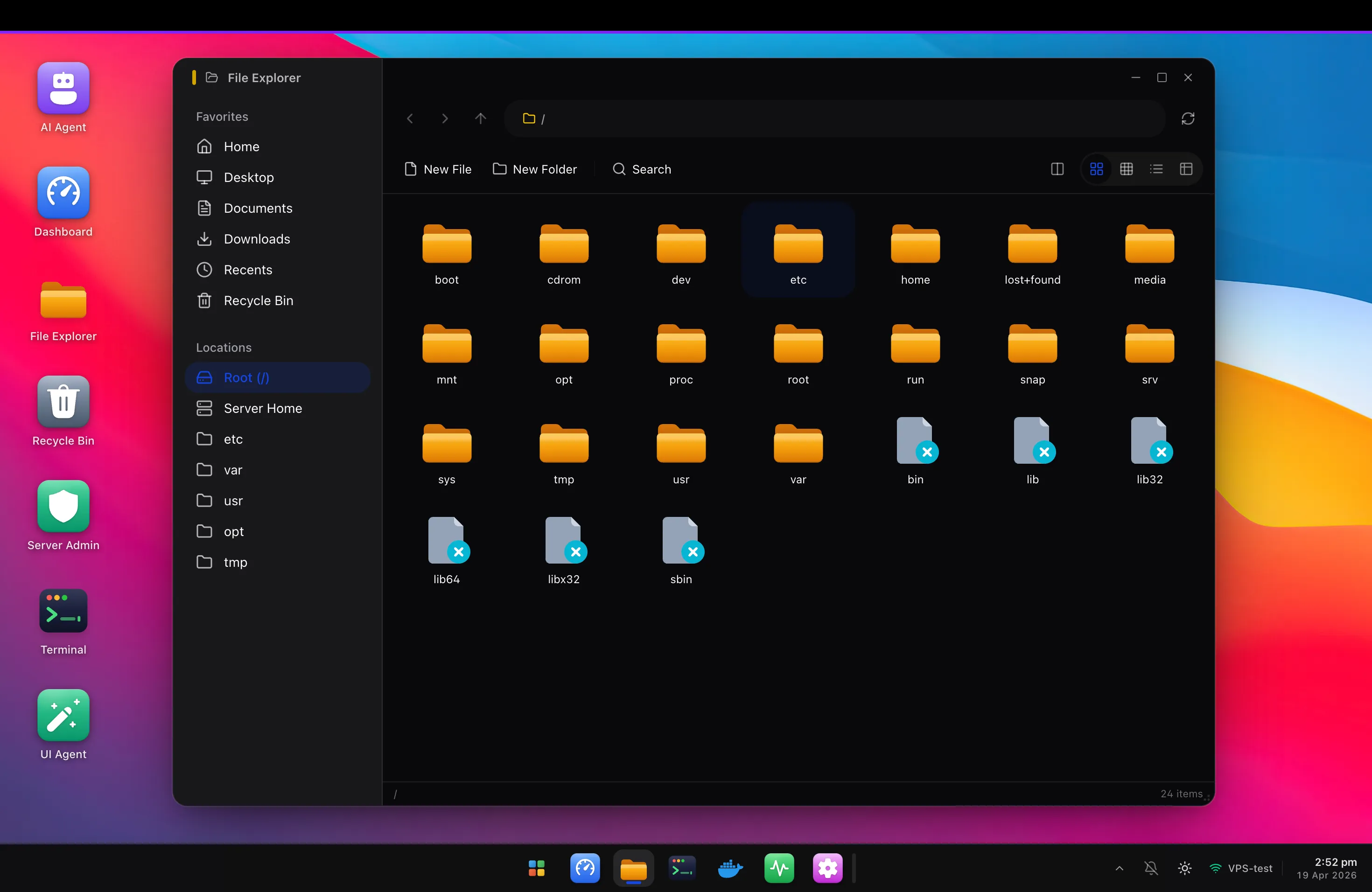
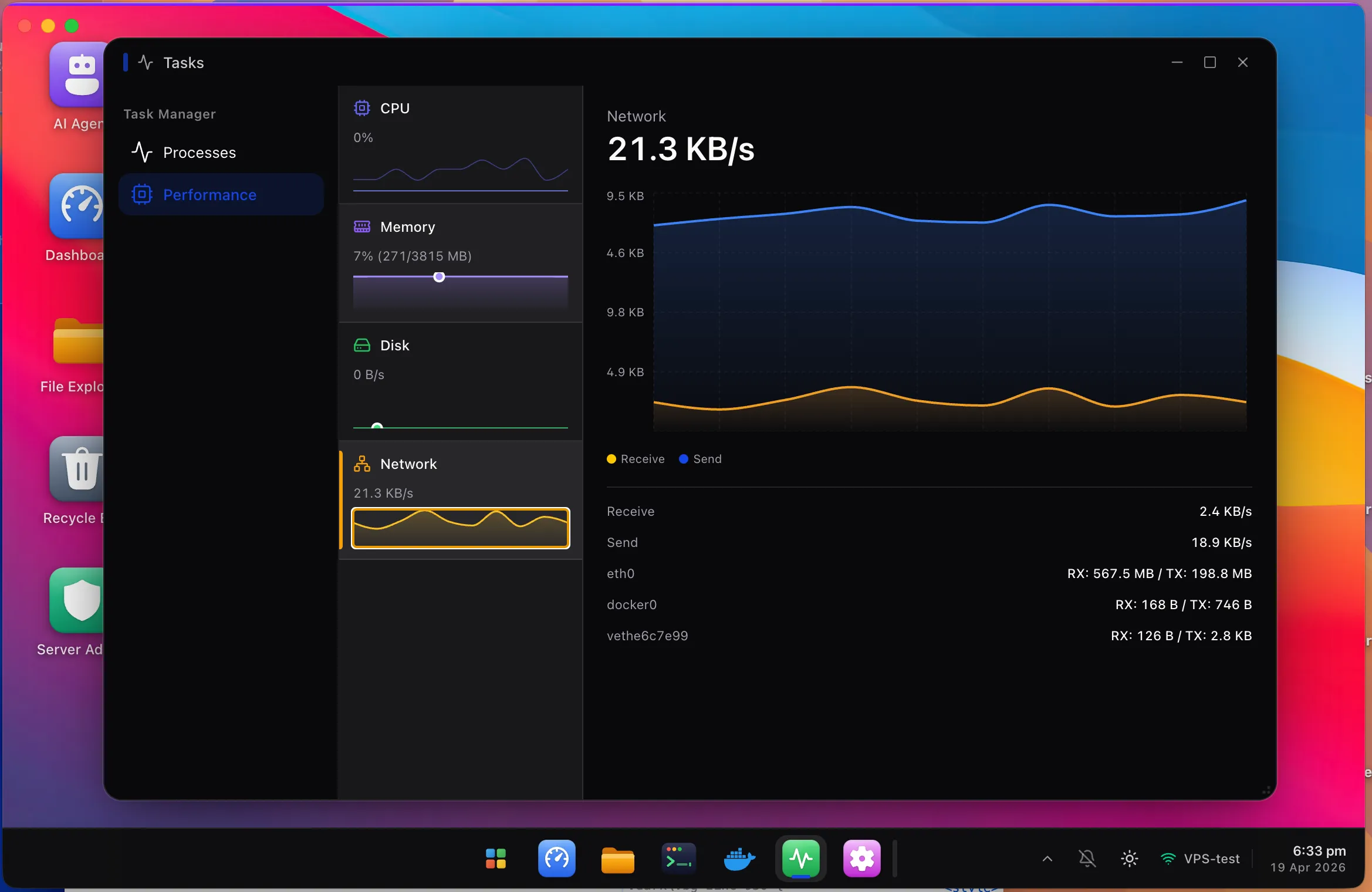
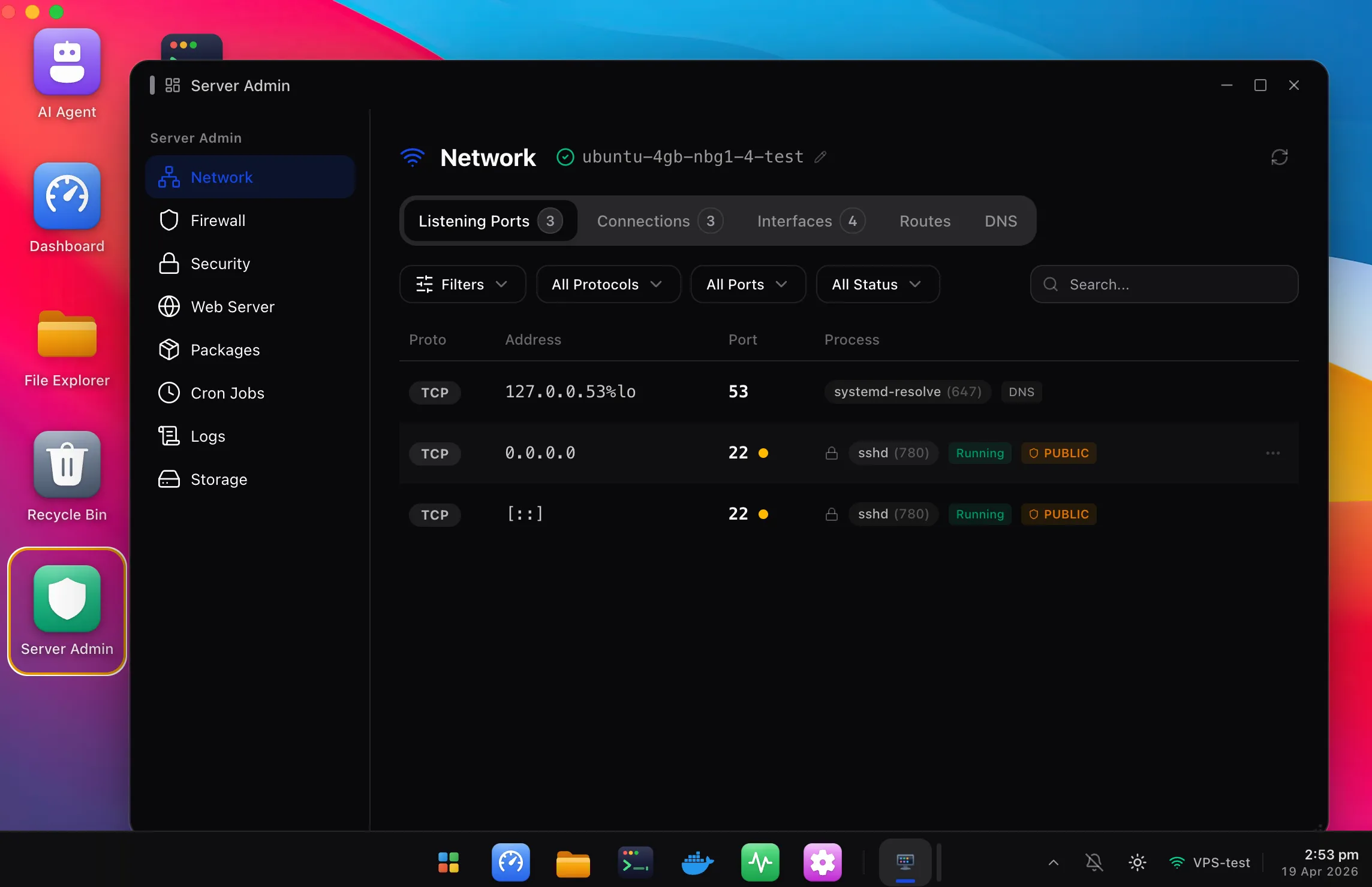
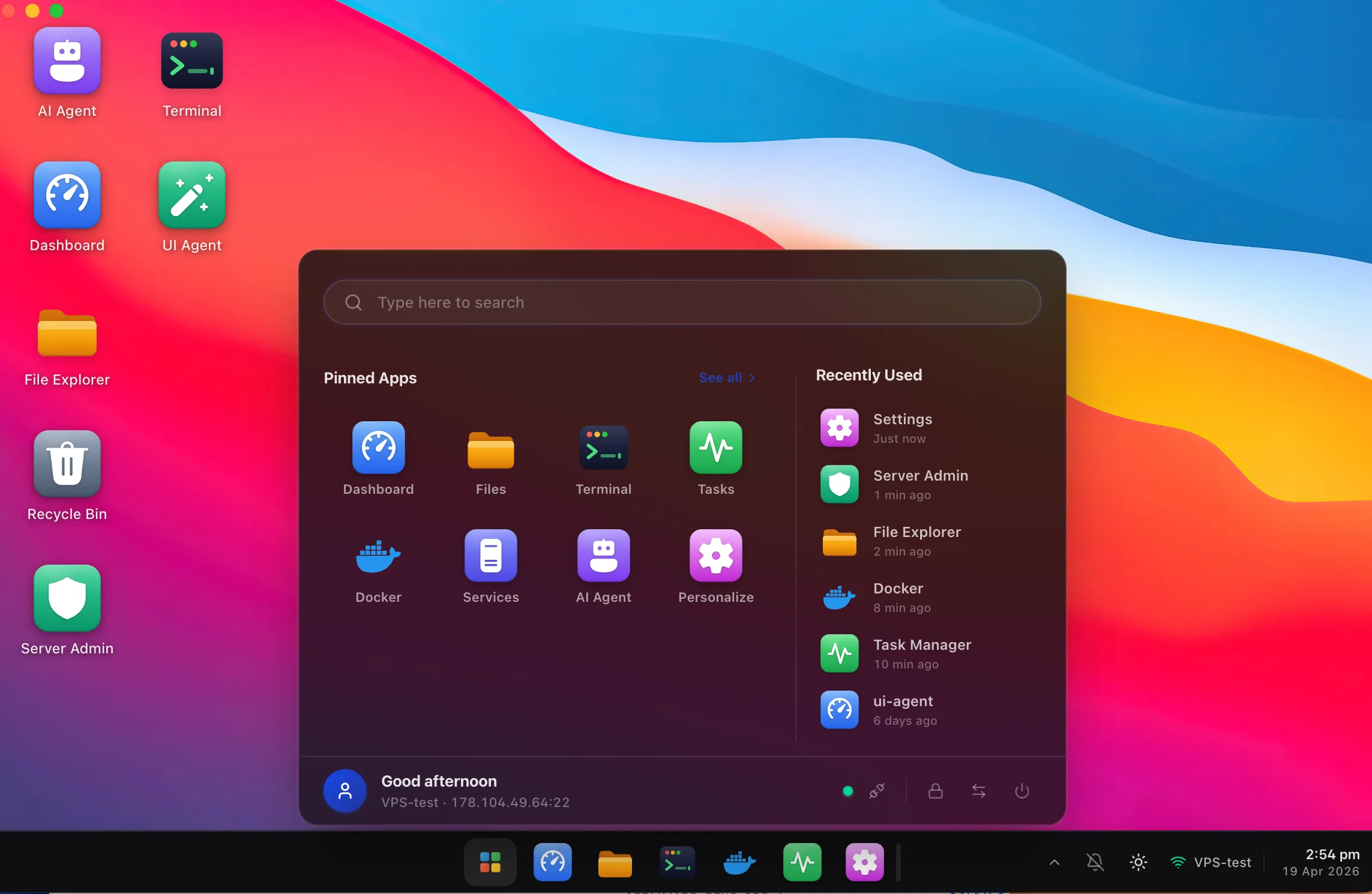
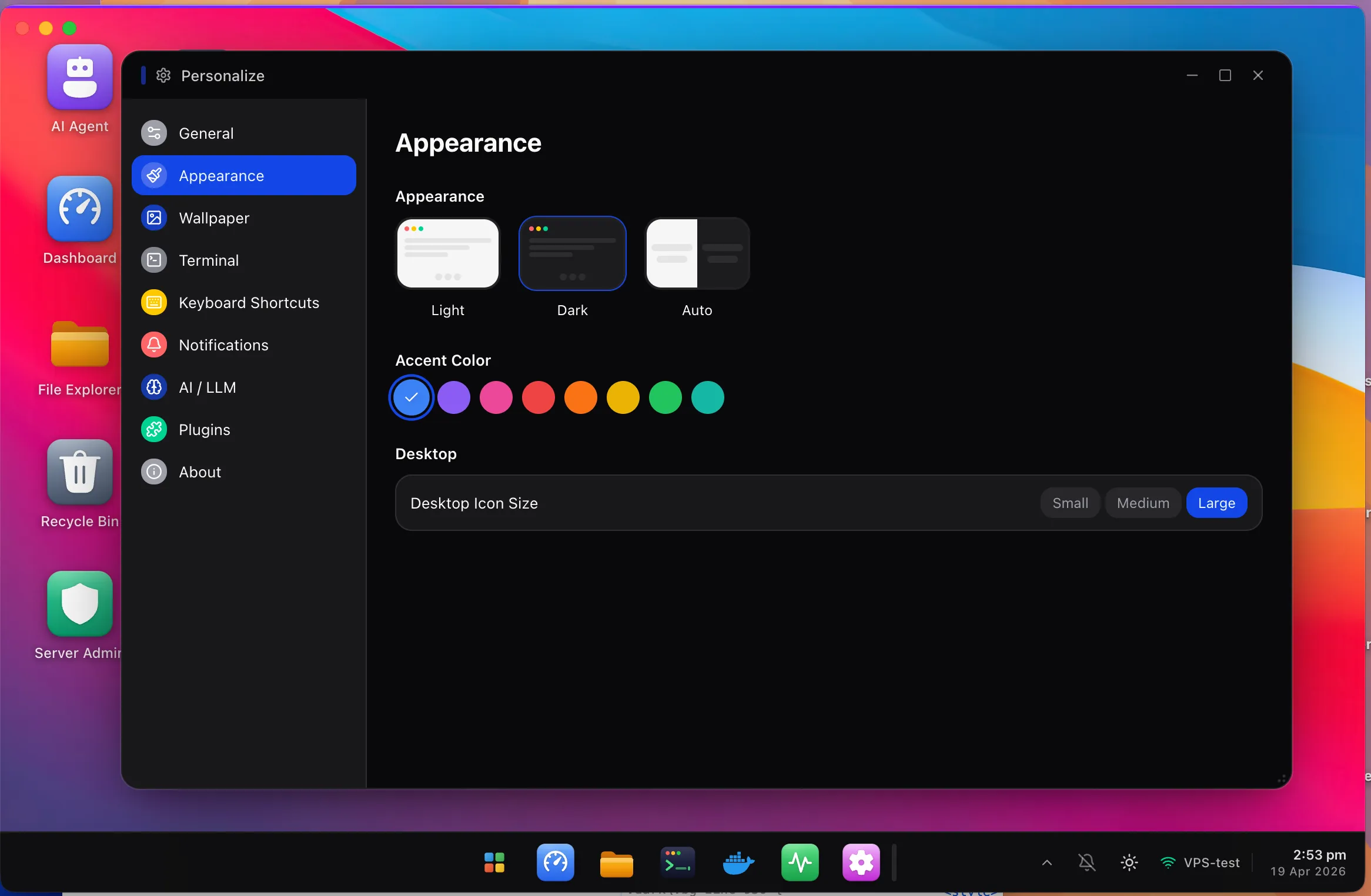
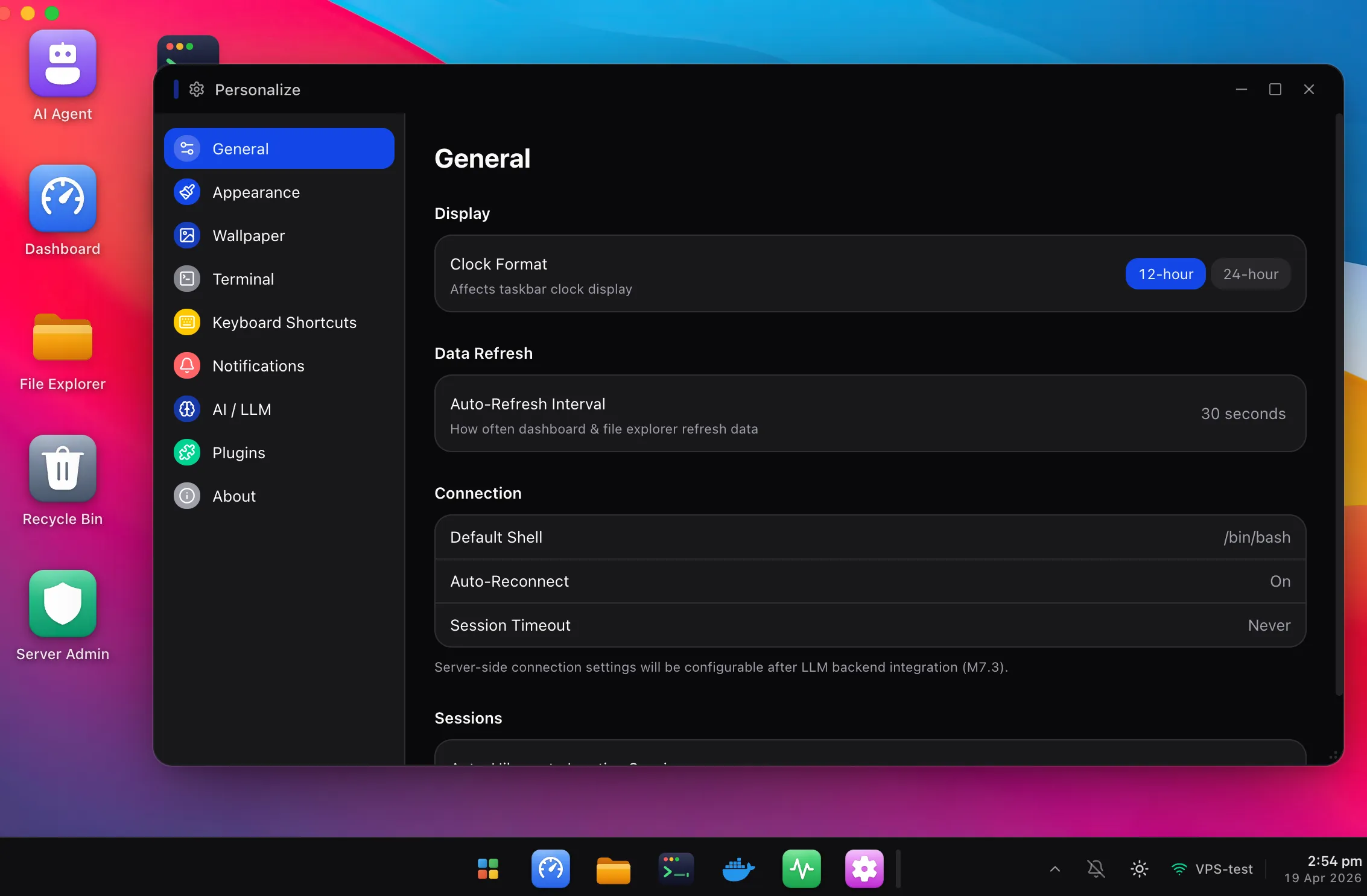
File Explorer
Finder-grade file management, over plain SFTP
The problem
Managing servers in a terminal is
a productivity tax.
Every admin task becomes a trivia quiz of flag syntax. Every fleet becomes 12 open terminals. And the one time you really need an answer fast — production is down at 2am — you're grep-ing through `journalctl`.
- "Was it `df -h` or `df -Th`?"
- "Which tab had my Grafana session?"
- "Is nginx up on box-3 or box-5?"
- "What port did I open last Tuesday?"
With HeadlessOS
One window, every server
Connect to your whole fleet in tabs. Each server gets its own color, its own desktop, its own terminal — no more tmux-as-a-workaround.
Click, don't memorize
A visual file explorer, a real Docker dashboard, a firewall editor with ports and rules. The muscle memory you've been building for years still works in the terminal tab.
Your server stays pristine
HeadlessOS never touches the server filesystem beyond the commands you'd run by hand. No daemon, no auto-start, no extra surface area.
Features
Everything you'd hope a Linux server came with. Nothing installed on it.
Eight first-class apps, one desktop-style workspace, and a parsing engine that turns `df`, `docker ps`, and `systemctl status` into something you can actually look at.
Zero server footprint
Connects over standard SSH using only the binaries your server already has. No agent, no daemon, no extra attack surface.
Files, without the `scp` dance
Drag, drop, preview, rename, chmod. A Finder-grade file explorer backed by pure SFTP — never a shell command.
Docker without Docker Desktop
Containers, images, volumes, networks — full lifecycle management in a UI that loads instantly and never phones home.
Glanceable metrics
CPU, memory, disk, network, uptime — polled in the background, cached, and rendered as the clean dashboard your VPS never had.
Server Admin, not man pages
Users, groups, firewall, services, packages, logs, network, cron — eight admin surfaces with point-and-click parity with the CLI.
A real terminal, still
When you want the shell, the shell is one click away. Full xterm.js, persistent PTY over WebSocket, zero quirks.
LLM-assisted, not LLM-dependent
Deterministic parsers handle everyday commands in under a millisecond. The LLM only kicks in for weird distro output — and caches aggressively.
Every server, one workspace
Open a dozen servers in a dozen tabs, each with its own identity color and independent window layout. Multi-server is a first-class citizen.
Quick Start
First server connected in
the time it takes to brew coffee.
Three commands to install, one form to add a server. Then you're done. Really.
Clone & install
Clone the repo and install dependencies. HeadlessOS runs locally on your machine.
git clone https://github.com/abhee235/headlessos.git
cd headlessos
npm installStart the app
Run the dev server. The backend listens on :3001, the UI on :3000 — both on localhost only.
npm run dev

# server  → http://localhost:3001
# client → http://localhost:3000Add your server
Open the UI, click 'Add Server', and enter your SSH credentials. That's it — no agents, no installs.
Host:     your-vps.example.com
Port:     22
User:     root
Auth:     SSH key or password

→ Click ConnectFAQ
Frequently asked questions.
Does HeadlessOS install anything on my server?
Which Linux distros are supported?
Is it really open source?
What about security?
Can I manage multiple servers?
Do I need an OpenAI / LLM API key?
How is this different from cockpit / webmin / portainer?
Will there be a hosted version at headlessos.com?
Free. Open source. Yours.
HeadlessOS is MIT licensed. Star the repo, file an issue, or send a pull request — we'd love your help.